
Local SEO on Google Maps: attract customers in your area
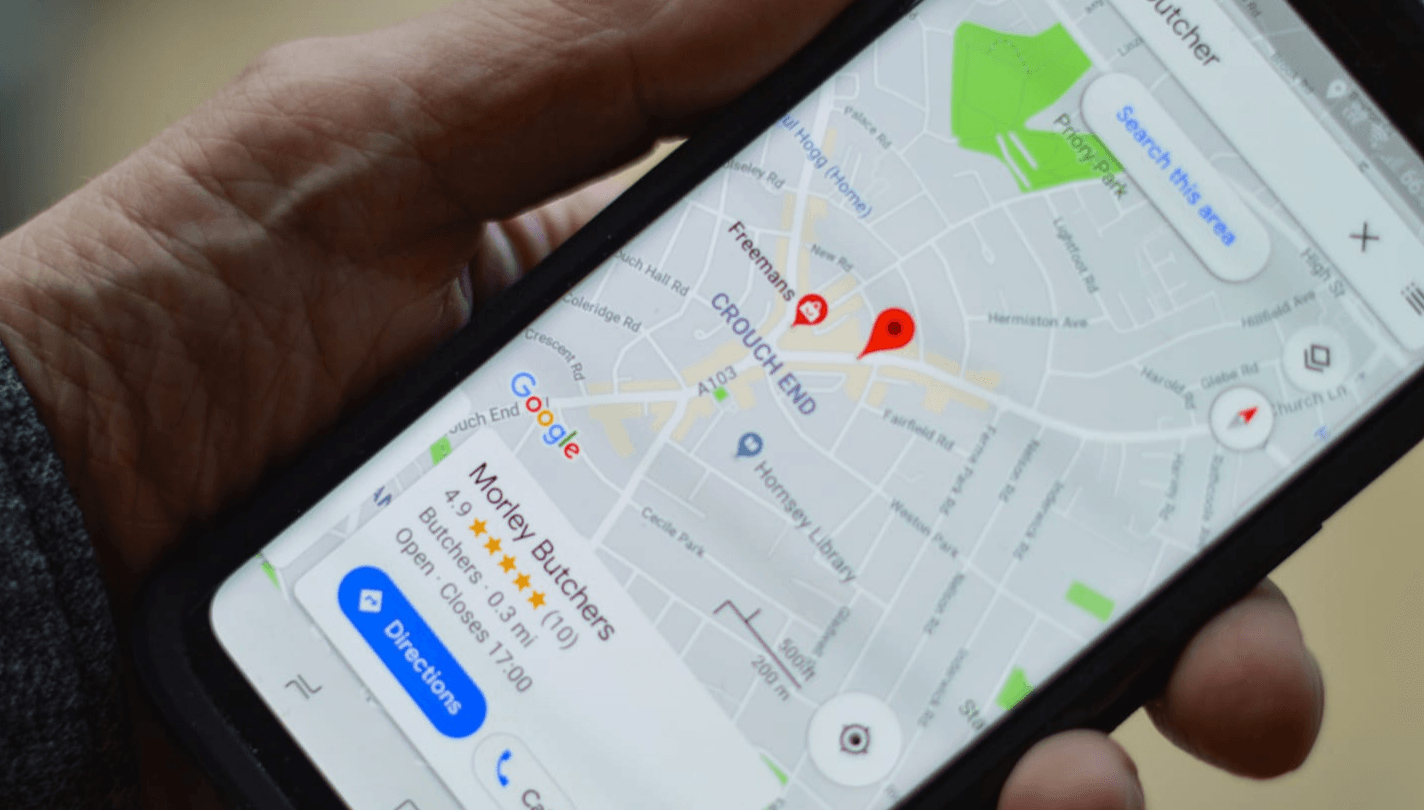
Are potential customers searching for services in your area and not finding your business? Many Google searches have local intent, and appearing on Google Maps can make the difference between getting a call and being overlooked in favour of your competitors.
At SEOWebfy, we know that local SEO is one of the most cost-effective ways for sole traders, local businesses and companies to attract customers in their area. In this article, you’ll learn how to optimise your presence on Google Maps and stand out with clear strategies, examples and practical steps.
Why local SEO on Google Maps matters
- Prominent visibility: when someone searches for ‘web designer in Manchester’ or ‘restaurant in Bath’, Google often shows a map of nearby businesses near the top of the results.
- Trust and credibility: appearing with positive reviews can build more trust than a paid advert.
- More customers near you: local searchers are often among those most likely to contact or visit your business.
- Direct competition: if your competitors appear and you don’t, you’re likely to be missing out on calls and sales.
Essential steps to optimise your business on Google Maps

1) Claim and verify your Google Business Profile (GBP)
- Go to Google Business Profile.
- Add your business using its real address or service area.
- Complete verification using the method Google offers you.
2) Complete all your information
- Use a clear business name, without forcing keywords into it.
- Choose the right primary and secondary categories.
- Keep your opening hours up to date, including bank holidays.
- Make sure your phone number and website are active and consistent with your domain.
3) Optimise your description with local keywords
Example: ‘SEO and web design agency in Manchester specialising in improving the online visibility of local businesses.’
4) Post photos and updates regularly
- Photos of your premises, team, products and projects.
- Posts about news, events or offers.
- An active, up-to-date profile can help build confidence with customers.
5) Build genuine reviews
- Ask customers for reviews as a matter of routine, rather than selecting only the happiest ones.
- Always respond to reviews, whether positive or negative.
- Never use fake reviews: they breach Google’s policies and consumer protection rules.
6) Create dedicated local pages on your website
Examples:
- /seo-manchester
- /web-design-leeds
These pages should link to your Google Maps listing, reinforcing local relevance.
The benefits of local SEO
- More calls and enquiries from customers in your area.
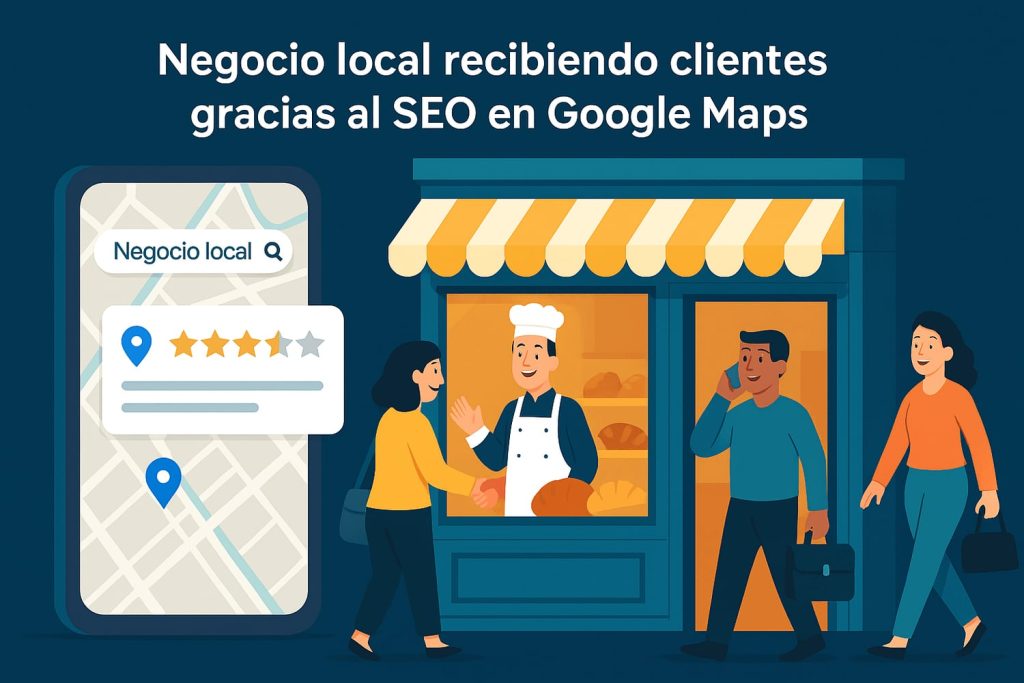
- The chance to appear in Google’s ‘map pack’, which is often shown above the organic results.
- A stronger reputation built on genuine reviews.
- A more efficient use of budget than advertising without local targeting.
Advanced local SEO strategies
- Local links and mentions: gain visibility in regional directories, local media or business associations.
- Google Business Profile posts: publish events, offers or short updates that Google displays directly on your profile.
- UTM tags on links: track traffic from your listing in Google Analytics to understand what converts best.
- Detailed reviews: invite customers to describe, in their own words, the service they received without suggesting what they should write.
Practical examples by sector
- Restaurant → optimise the listing and ask for reviews regularly to attract more bookings.
- Dental clinic → work on local SEO to receive more calls from patients in the area.
- Law firm → appear in searches such as ‘employment solicitor near me’.
- Online shop with a showroom → combine e-commerce with a local listing to attract in-person visits.
Common mistakes to avoid
- Using a false address: Google may suspend your listing.
- Failing to update your opening hours or phone number: this can undermine trust and cost you customers.
- Not responding to reviews: it can make your business look neglected.
- Not linking your listing to your website: you lose relevance and direct visits.
- Using stock photos: this can undermine credibility and trust.
Frequently asked questions
How long does it take for a Google Maps listing to rank?
It depends on the competition and how active the profile is. With regular reviews and posts, the first improvements are often noticeable within a few months.
Do I need physical premises to appear?
Not always. If you provide services across a particular area — for example, as a plumber who travels to customers — you can set a service area instead of a fixed address.
How many reviews do I need to stand out?
There’s no set number: genuine, recent reviews matter more than simply accumulating a large number of older ones.
What if I move premises?
You need to update your listing, and Google may ask you to verify it again. If you don’t, you could lose visibility.
Is local SEO useful for online businesses?
Yes, if they have a showroom, offices or a service area. It can also help build trust with customers in their region.
Conclusion
Local SEO on Google Maps is one of the most effective tools for local businesses, sole traders and companies looking to attract customers in their area without a large investment. It isn’t just about appearing: it’s about standing out with complete information, genuine reviews and a well-connected website.
👉 At SEOWebfy, we help businesses gain visibility on Google Maps and attract local customers with a step-by-step strategy, profile optimisation and a system for requesting reviews.